


Level: Medium → Hard
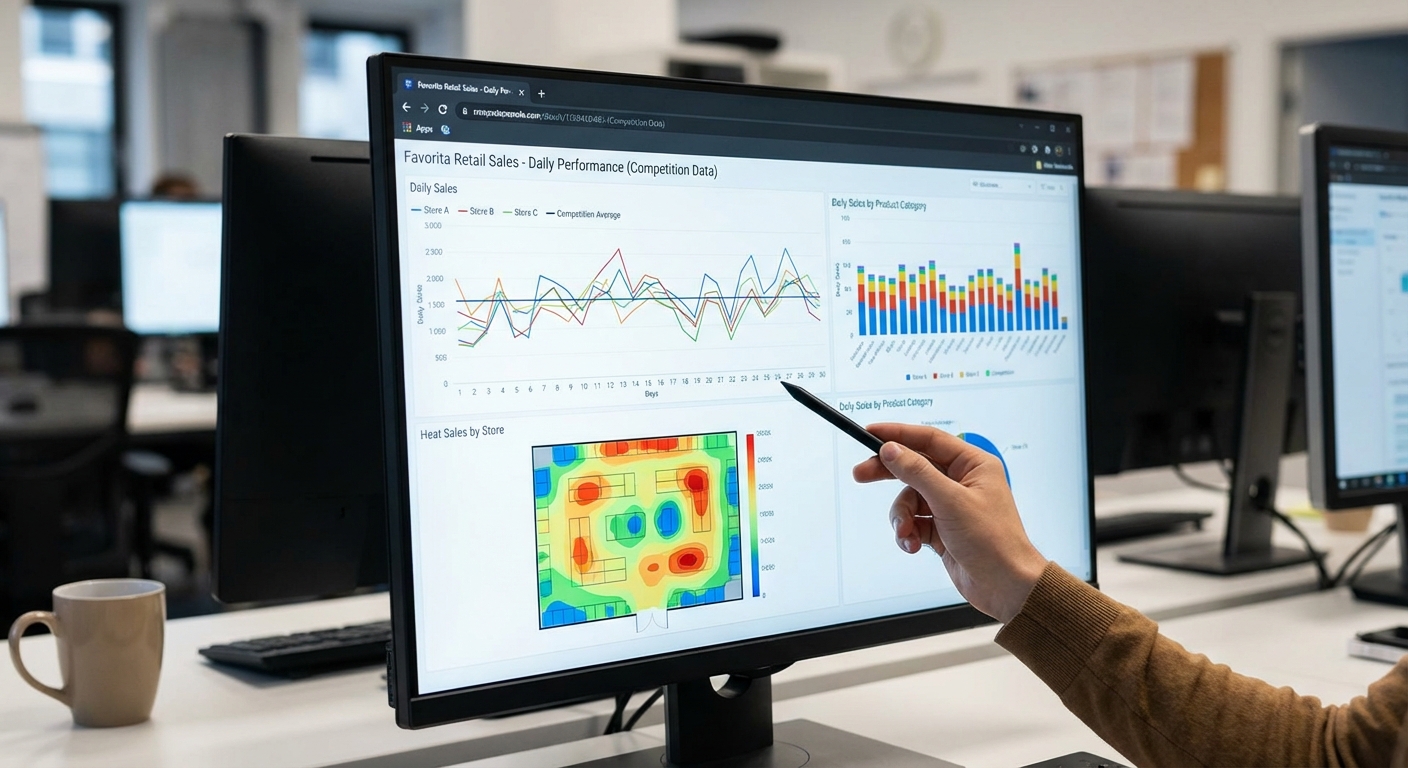
Goal: Daily sales forecasting for multiple stores/items (panel + time series).
Dataset
- Source: Store Sales – Time Series Forecasting (Favorita) – Kaggle
- Link: https://www.kaggle.com/competitions/store-sales-time-series-forecasting/data
Download Instructions
- Open the competition link above.
- Go to "Data" tab.
- Accept competition rules (if needed).
- Download
train.csvand save todata/store_sales/.
Data Loading
import pandas as pd

df = pd.read_csv("data/store_sales/train.csv")
df["date"] = pd.to_datetime(df["date"])
df = df.set_index("date").sort_index()

print(df.head())
# Columns usually include: date, store_nbr, family, sales, onpromotion, oil_price, etc.
Implementation Steps
1. Data Exploration
- Load training data
- Understand data structure:
- Multiple stores
- Multiple product families
- Time series panel data
- Inspect available features (promotions, oil prices, holidays, etc.)
- Examine data quality and missing values
2. Exploratory Data Analysis (EDA)
- Aggregate sales by store, family, and time
- Plot overall sales trends
- Analyze seasonality patterns (daily, weekly, monthly, yearly)
- Identify holiday effects
- Analyze promotion effects
- Examine relationships between features
- Calculate sales statistics by store/family
3. Data Preprocessing
- Handle missing values
- Create time-based features (day of week, month, year, holidays)
- Encode categorical variables (store, family)
- Handle promotions and external variables
- Prepare panel data structure
4. Feature Engineering
- Time Features:
- Day of week, month, year
- Holiday indicators
- Lag features (previous day, week, month sales)
- Rolling Statistics:
- Rolling mean, std (7-day, 30-day windows)
- Rolling max, min
- External Features:
- Oil prices
- Promotion indicators
- Store/family characteristics
5. Model Building
- Univariate Approaches (per store-family):
- ARIMA/SARIMA for individual series
- Exponential smoothing
- Panel Data Approaches:
- Hierarchical models
- Store/family-specific models
- Machine Learning:
- Feature-based models (Random Forest, XGBoost, LightGBM)
- Handle panel structure appropriately
- Hybrid Approaches:
- Combine classical and ML methods
- Ensemble forecasts
6. Model Evaluation
- Use time series cross-validation (walk-forward)
- Split data temporally (respect time ordering)
- Calculate metrics (MAE, RMSE, MAPE)
- Evaluate at different aggregation levels (store, family, overall)
- Compare multiple approaches
7. Forecasting
- Generate forecasts for test period
- Aggregate forecasts appropriately
- Handle multiple stores/families
- Include uncertainty estimates
- Visualize forecasts
8. Advanced Analysis (Optional)
- Analyze store/family-specific patterns
- Identify important features
- Analyze promotion effectiveness
- Compare store performance
- Seasonal pattern analysis
Expected Deliverables
EDA Report:
- Sales trends and patterns
- Seasonality analysis
- Feature analysis
- Store/family comparisons
Model Results:
- Selected model(s) with parameters
- Performance metrics (by store/family and overall)
- Feature importance (if using ML)
- Forecast plots
Code:
- Complete Python notebook
- Functions for data processing
- Feature engineering utilities
- Modeling pipeline
Tips
- This is panel data - handle multiple stores/families appropriately
- Strong seasonality expected (weekly, monthly, yearly patterns)
- Holidays and promotions have significant effects
- Use appropriate aggregation levels for analysis
- Feature engineering is crucial for good performance
- Consider hierarchical models (store → family → item)
- Use time series cross-validation (don't shuffle time series data)
- Handle missing values carefully (forward fill, interpolation)
- External features (oil prices, promotions) can improve forecasts
- Consider store/family-specific models vs global models
- This is competition data - aim for good performance
- Document all feature engineering decisions
- Compare simple models (ARIMA) with complex models (XGBoost)