


Level: Hard
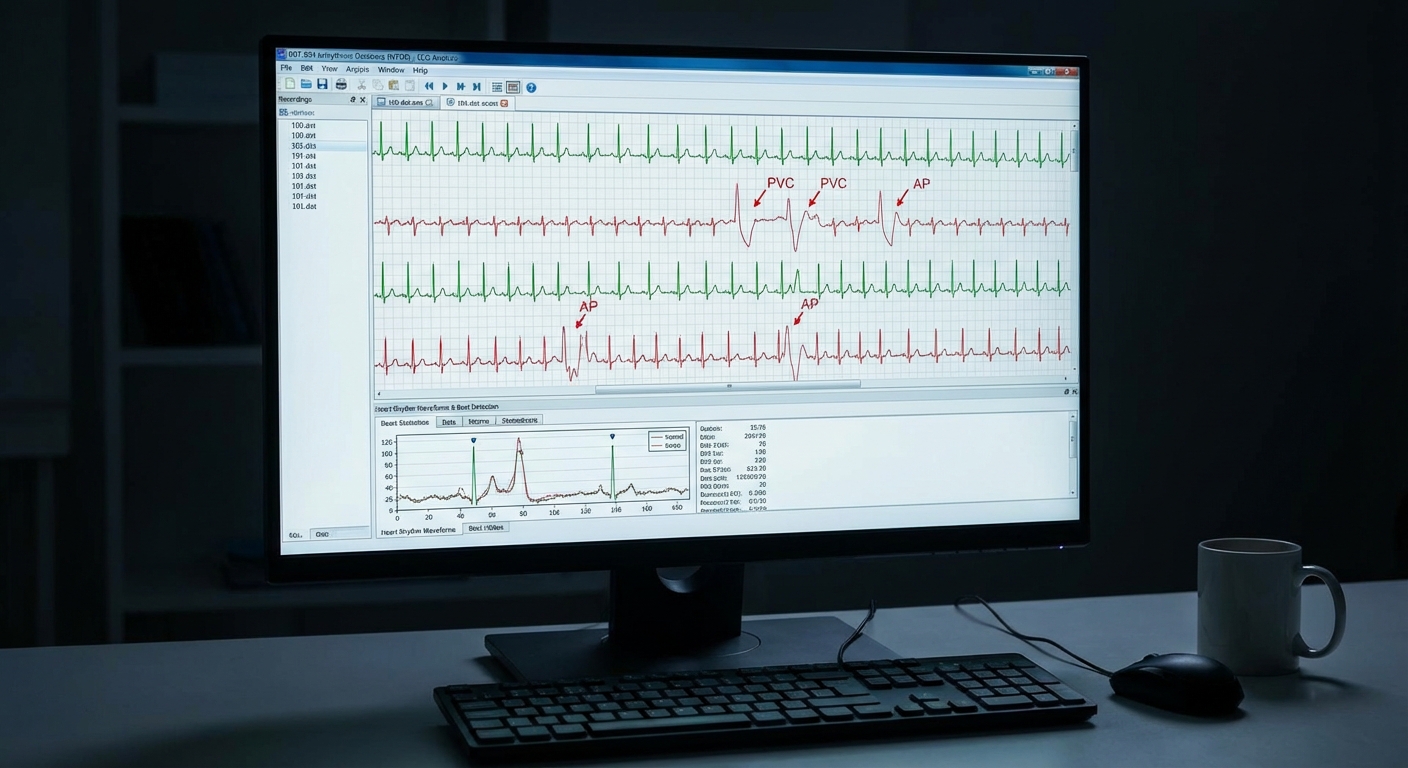
Goal: Work with ECG waveforms (e.g., MIT-BIH Arrhythmia).
Library & Data
- WFDB Python: https://wfdb.io/software/python.html
- MIT-BIH Database: Available via WFDB
Installation
pip install wfdb
Data Loading
import wfdb
import pandas as pd
import numpy as np

record = wfdb.rdrecord("100", pn_dir="mitdb")
signal = record.p_signal[:, 0]  # first channel
fs = record.fs

times = pd.to_timedelta(np.arange(len(signal)) / fs, unit="s")
ecg_series = pd.Series(signal, index=times)
Implementation Steps
1. Library Setup and Data Access
- Install WFDB library
- Access MIT-BIH Arrhythmia database
- Explore available records
- Select record(s) for analysis
- Understand WFDB data structure
2. Data Exploration
- Load ECG signals from selected records
- Inspect sampling rate (typically 360 Hz for MIT-BIH)
- Plot raw ECG waveforms
- Identify QRS complexes and other features
- Examine signal quality
3. Data Preprocessing
- Filtering:
- Apply band-pass filter (e.g., 0.5-40 Hz)
- Remove baseline wander
- Remove power line interference (50/60 Hz)
- Artifact Removal:
- Identify and handle artifacts
- Use appropriate filtering techniques
- Normalization:
- Normalize amplitude if needed
4. Feature Extraction
- QRS Detection:
- Detect R-peaks (heartbeats)
- Calculate heart rate (HR) time series
- Extract RR intervals
- Waveform Features:
- Extract P, Q, R, S, T wave features
- Calculate morphological features
- Create Time Series:
- Heart rate over time
- RR interval series
- Other derived features
5. Exploratory Data Analysis (EDA)
- Plot ECG waveforms
- Visualize heart rate over time
- Analyze RR interval distributions
- Identify arrhythmias or abnormal patterns
- Perform time series decomposition of HR
6. Stationarity Analysis
- Test extracted features (e.g., HR) for stationarity
- Apply transformations if needed
- Consider segmenting by rhythm type
7. Model Building
- Heart Rate Time Series:
- Apply ARIMA/SARIMA to HR series
- Model RR intervals
- Event Detection (advanced):
- Detect arrhythmias
- Model event occurrences
- Morphological Analysis (advanced):
- Analyze waveform changes over time
8. Model Evaluation
- Split data temporally
- Generate forecasts (e.g., future HR)
- Calculate accuracy metrics
- Visualize results
- Compare with clinical expectations
9. Clinical Interpretation
- Interpret results in cardiology context
- Identify normal vs abnormal patterns
- Discuss implications for monitoring
- Compare with ECG literature
Expected Deliverables
EDA Report:
- ECG waveform plots
- Heart rate analysis
- RR interval analysis
- Pattern identification
Model Results:
- Selected models for HR/features
- Forecast accuracy
- Visualization of results
- Clinical interpretation
Code:
- Complete Python notebook
- WFDB data loading functions
- QRS detection and feature extraction
- Visualization utilities
Tips
- ECG data requires specialized preprocessing and analysis
- QRS detection is crucial for extracting meaningful features
- Heart rate time series is more suitable for standard time series methods than raw ECG
- Use appropriate filtering (band-pass, notch) for clean signals
- Understand ECG morphology (P, Q, R, S, T waves) for proper analysis
- Consider different rhythm types (normal sinus, arrhythmias) in analysis
- RR intervals can be modeled as time series
- Document all preprocessing steps clearly
- Use WFDB's built-in functions for reading and processing
- Consult cardiology literature for appropriate analysis methods
- Consider event-based analysis (arrhythmia detection) in addition to continuous forecasting
- High-frequency raw ECG may need downsampling or feature extraction for standard methods